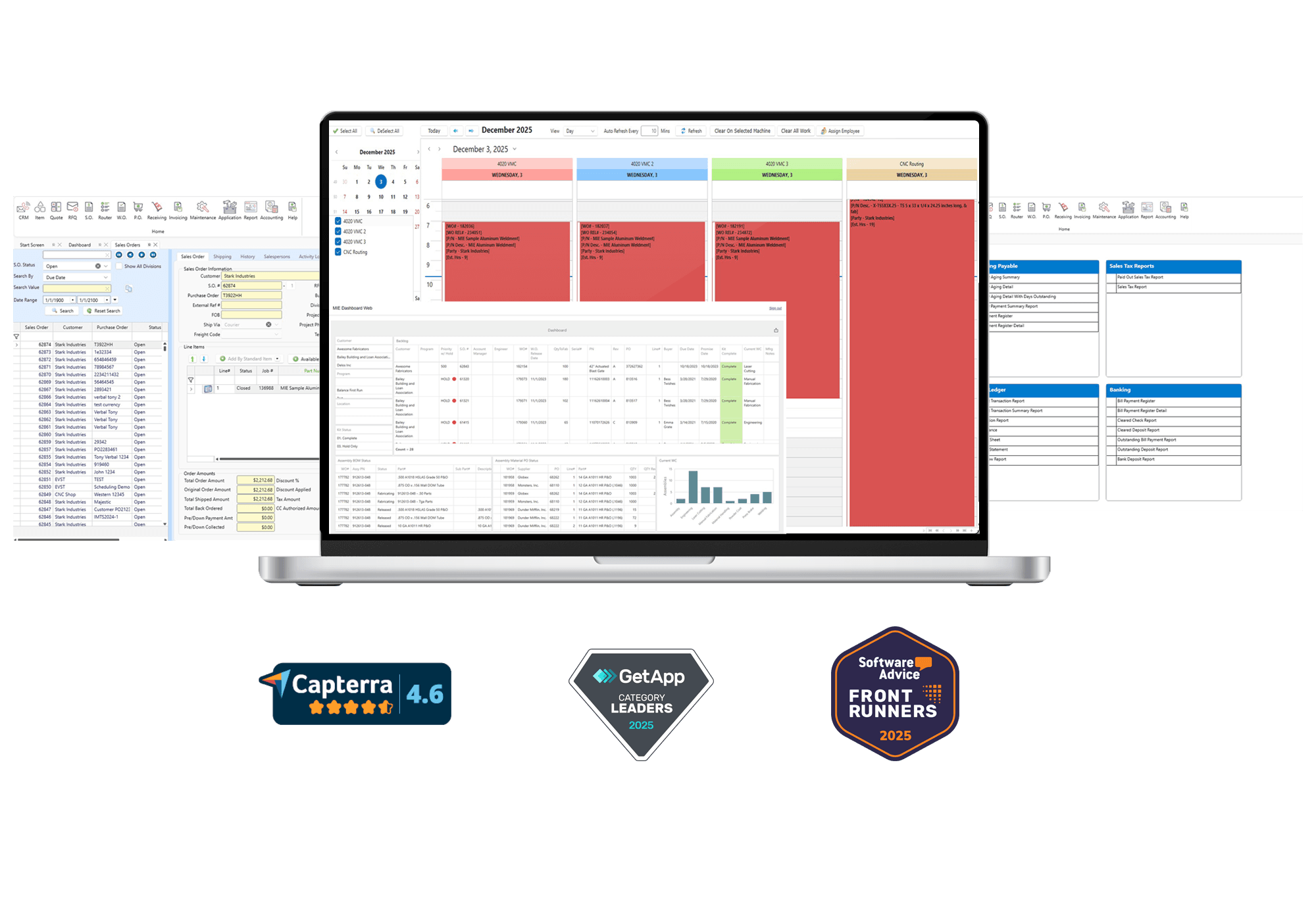


Save time and increase the accuracy of estimating with MIE Trak Pro’s quoting functionality which allows you to personalize formulas, track win/loss, and create quotes based on true costing data.
Learn more
Take your quote and create a Sales Order in just a few clicks. Sales Orders can be created from an RFQ, Quote, PDF, EDI, and more—depending on your team’s workflow.
Learn more
Gain insights into your production environment with MIE Trak Pro’s Work Order module. See all the information you want related to production in real-time.
Learn more
Schedule production quickly and accurately with forward finite, backward infinite, and calendar-based drag-and-drop scheduling. Take the guesswork out of scheduling employees and machines to jobs.
Learn more
Make purchasing easy and efficient with MIE Trak Pro’s Purchasing module. Order material based on MRP forecasting, min/max reorder points, production demand, and more.
Learn more
Track your inventory and the information that matters to you, including lot number serialization, locations, remnants, WIP, non-netted, consignment, and more.
Learn more
MIE Trak Pro’s built-in quality management system (QMS) allows you to accurately track Corrective and Preventive Action Requests (CPAR), non-conformance, RMAs, and more to pass QC audits with ease.
Learn more
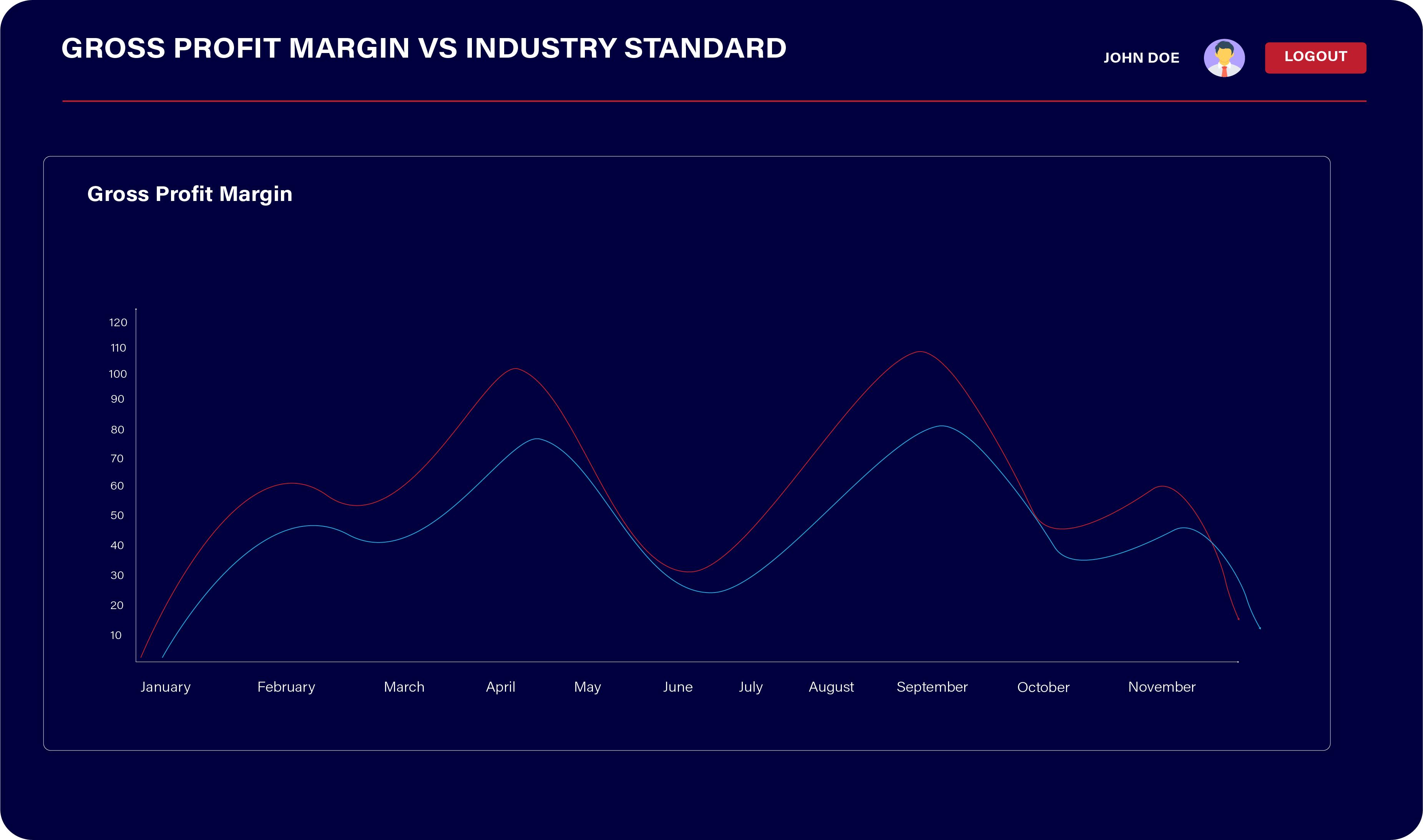
Drive intelligent business decisions by using any of MIE Trak Pro’s standard reports or create personalized queries to get answers to the questions most important to you.
Learn more
Use MIE Trak Pro’s Kiosk module to track real-time job progress and employee clock-in (without the need for paper timesheets). Shop floor employees can see their schedule, view documents, issue material to jobs, create PO requests, and more.
Learn more
Integrate your accounting practices through MIE Trak Pro. Manage G/L Accounts, journal entries, reports, and cash flow projections, in addition to other critical accounting capabilities.
Learn moreSkip the generic demos. Book a 1-on-1 session to see exactly how MIE Trak Pro handles your unique challenges.

Successful Solutions

"I wanted to take a moment to express my sincere appreciation for the MIE Trak ERP system that we have been using. It has truly transformed the way we manage our operations and has proven to be an invaluable asset to our organization. From its user-friendly interface to its comprehensive range of features, MIE Trak has exceeded our expectations on every level. The ease with which we can track and manage inventory, monitor production schedules, and analyze financial data has greatly enhanced our decision-making processes. The real-time insights provided by the system have empowered us to make more informed choices, ultimately contributing to our overall efficiency and productivity. In a rapidly evolving business landscape, having a robust and adaptable ERP system like MIE Trak has given us a competitive edge. We look forward to continuing our partnership with MIE Trak and exploring all the ways it can help us achieve our business goals. Thank you for introducing us to such a remarkable tool. Here's to many more successful collaborations!"
Bryan H. Qualified Metal Fabricators
My overall experience has been excellent. Anytime I have an issue, I submit a ticket, and one of the reps will contact me same day to help me fix it or find a better way. Every single person I have dealt with has been AMAZING! They are so helpful and knowledgeable and they will stick with the ticket until it is resolved or another avenue has been found that works better. Hands down, their customer service is the best! MIE Trak Pro is user friendly, easy to navigate, has multiple functions that fit our industry, but most importantly, we are able to track each job/work order from start to finish. Customer service is the very best I have ever used.
Misty J. Metro Metal Works
"MIE Trak has continually met and exceeded our expectations. Their team really takes the time to learn your business. If they don't have a standard feature that will accomplish the tasks they have been quick to develop a solution. The flexibility and customization of the system was a major improvement from our last system. MIE Trak's customer service is top notch!"
Kyle W. MariCorp US
“MIE Trak Pro allows us to modify the system to meet our needs. With their partnership, we can continue showing our customers and prospects the ‘Standard Difference’.”
Robert Unterborn Standard Change-Makers, Inc.
“[EVS Metal] was founded in 1994, and we began using MIE’s products in 1995, just a year after. In fact, we were using MIE products before the company was called MIE! Joe and David (our respective founders) have known each other a long time and in a way have grown up in the manufacturing industry together.”
Shannon E. EVS MetalSee just how powerful MIE Trak Pro is by going on a software tour with one of our experts. We’d be happy to show you around, answer your questions, and most importantly, make sure MIE Trak Pro is the best fit for your business.